Buy live-casino.eu ?
We are moving the project
live-casino.eu .
Are you interested in purchasing the domain
live-casino.eu ?
domain@kv-gmbh.de · 0541-91531010
Buy live-casino.eu ?
What is the difference between the Samsung Portable SSD T7 1TB and the SanDisk Extreme Portable SSD 1TB?
The Samsung Portable SSD T7 1TB and the SanDisk Extreme Portable SSD 1TB are both portable solid-state drives with 1TB of storage capacity. However, there are some differences between the two. The Samsung T7 offers faster read and write speeds, with up to 1050MB/s and 1000MB/s respectively, compared to the SanDisk Extreme's speeds of up to 550MB/s. Additionally, the Samsung T7 features a sleek and compact design with a fingerprint-resistant finish, while the SanDisk Extreme is designed to be rugged and water-resistant, making it more suitable for outdoor use. Ultimately, the choice between the two will depend on the user's specific needs for speed, durability, and design. **
Is the Sandisk Extreme Portable SSD external hard drive with a transfer rate of 550 MB/s compatible for storing PS4 games on the PS5?
Yes, the Sandisk Extreme Portable SSD with a transfer rate of 550 MB/s is compatible for storing PS4 games on the PS5. The PS5 supports external USB drives for storing and playing PS4 games, and the Sandisk Extreme Portable SSD meets the requirements with its high transfer rate. This external hard drive can provide additional storage space for PS4 games on the PS5, allowing for more games to be stored and played on the console. **


Similar search terms for Sandisk-Extreme-Portable-SSD
Top-Angebote
Products related to Sandisk-Extreme-Portable-SSD:
-
Sandisk Extreme 256GB SDXC Memory Card - YellowDescription Ideal for photographers and videographers who need high-speed storage for 4K UHD video and sequential burst mode photography, the SanDisk Extreme 256GB SDXC Memory Card supports fast capture and transfers in a compact format. Shot speeds reach up to 70 MB/s, while transfer speeds reach up to 150 MB/s, helping you move files efficiently. UHS Speed Class 3 (U3) and Video Speed Class 30 (V30) support uninterrupted video capture, making this memory card suited to demanding recording and photography sessions. With 256GB of storage and a lightweight 2 g design, it offers ample space without adding significant bulk to your equipment. The yellow card measures 3.2 x 2.4 x 0.2 cm and is supplied as a set of five items. An essential addition for photographers, videographers and anyone capturing high-resolution content.98,49 £*Shipping: 0,00 £Secure redirect to the provider
-
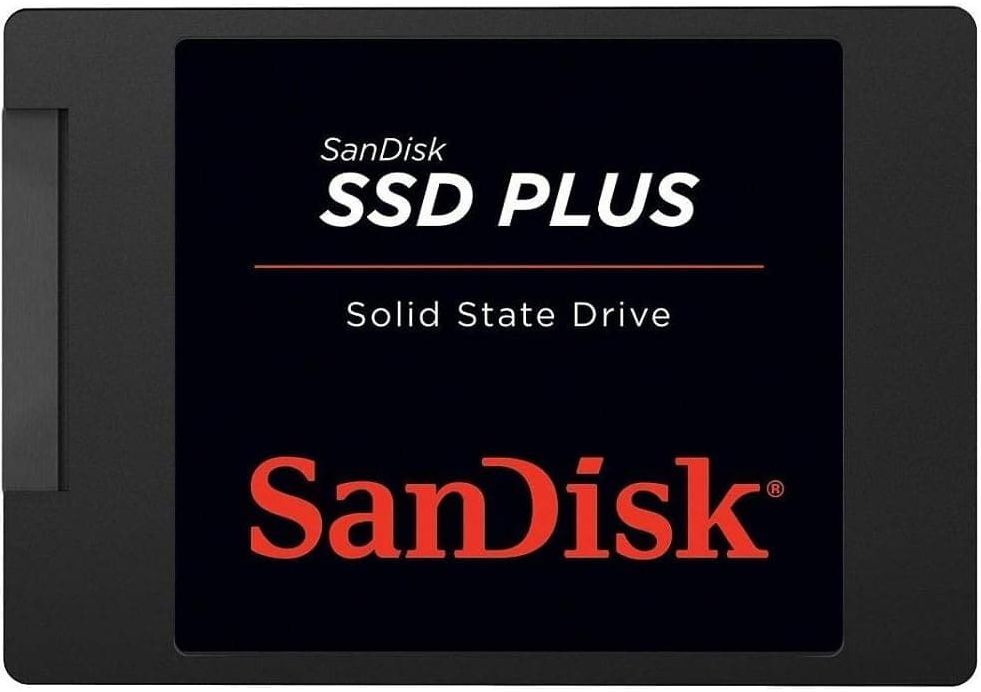
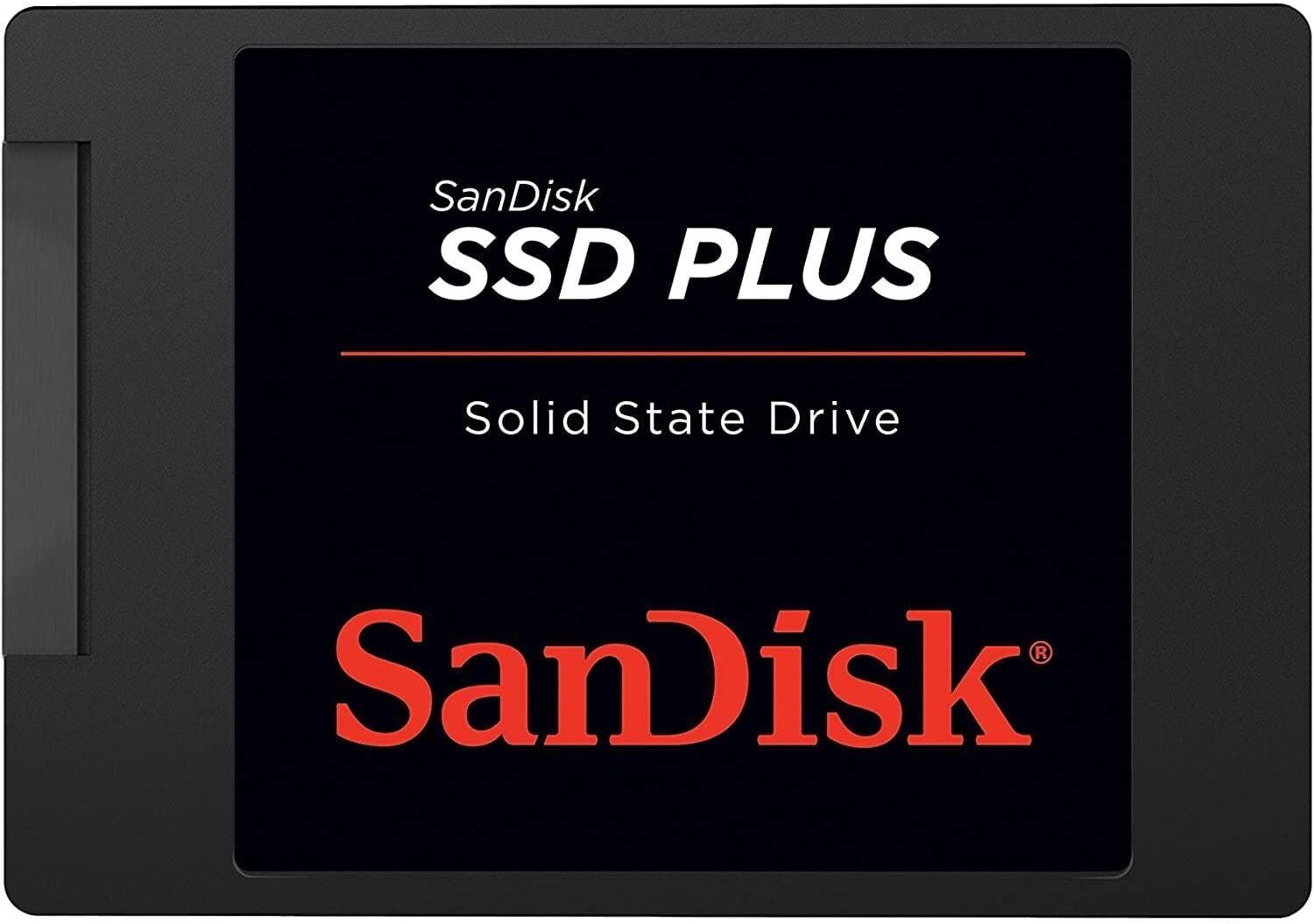
Sandisk SSD PLUS 240GB SATA III 2.5" Internal SSD – Up to 530MB/s, Black, Used - Very GoodOverview The SanDisk SSD PLUS 240GB SATA III 2.5 Inch Internal SSD offers a reliable and affordable storage upgrade for laptops and desktops. With read speeds up to 530MB/s, it significantly improves boot times, file transfers, and overall system responsiveness. Key Features 240GB storage capacity for essential files and applications SATA III interface for fast data transfer speeds 2.5-inch form factor compatible with most laptops and desktops Durable design for long-lasting performance Low power consumption for improved energy efficiency Ideal for system upgrades and everyday computing Product Description Enhance your computer’s performance with the SanDisk SSD PLUS 240GB SATA III Internal SSD. This solid-state drive provides fast and reliable storage with read speeds up to 530MB/s, reducing boot times and accelerating application launches. Its 2.5-inch form factor fits easily into most laptops and desktop PCs, offering a simple upgrade path. Designed for durability and efficiency, the SanDisk SSD PLUS delivers consistent performance to meet the demands of daily computing, gaming, and multitasking. Upgrade your system today for faster, smoother operation.45,00 £*Shipping: 0,00 £Secure redirect to the provider
-
Gadcet Chadwell Heath SanDisk SSD Plus 2TB 2.5" SATA III Internal SSD – Up to 545MB/s, NewBoost your system’s speed and reliability with the SanDisk SSD PLUS 2TB SATA III Internal SSD. Offering up to 545MB/s read speeds, it delivers faster boot times, quicker file transfers, and enhanced performance compared to traditional hard drives. Overview: The SanDisk SSD PLUS 2TB is an easy upgrade for desktops and laptops, bringing improved speed, durability, and energy efficiency. With SATA III compatibility and a standard 2.5-inch form factor, it fits most systems seamlessly. Whether you’re upgrading an older computer or expanding storage, this SSD enhances everyday performance with smoother multitasking and quicker load times. Key Features: 2TB Capacity – Store large files, applications, and games with ease. Up to 545MB/s Read Speeds – Faster boot-up and data access. SATA III, 2.5-Inch Form Factor – Wide compatibility with desktops and laptops. Reliable Solid-State Performance – Shock and vibration resistant, with no moving parts. Energy Efficient – Lower power consumption compared to HDDs. Easy Installation – Standard 2.5-inch design for quick upgrades. Product Description: The SanDisk SSD PLUS 2TB SATA III 2.5" Internal SSD offers the perfect balance of performance and value for upgrading your PC. Delivering read speeds of up to 545MB/s, it significantly reduces load times, improves responsiveness, and enhances overall system performance. Unlike mechanical hard drives, this SSD has no moving parts, making it more durable and resistant to shock and vibration. With its 2TB storage capacity, it’s ideal for storing large files, games, and media libraries. Energy-efficient and easy to install, the SanDisk SSD PLUS is a reliable solution to extend the life of your computer and boost everyday performance.249,00 £*Shipping: 0,00 £Secure redirect to the provider
-
Sandisk Extreme PRO SDXC UHS-I U3 V30 Memory Card 256GBThe SanDisk Extreme PRO 256GB SDXC UHS-I memory card (SDSDXXD-256G-GN4IN) is built for photographers and videographers shooting 4K UHD video and high-resolution stills. It delivers read speeds of up to 200 MB/s with SanDisk QuickFlow Technology and write speeds of up to 140 MB/s, and carries Class 10, UHS Speed Class 3 (U3) and Video Speed Class 30 (V30) ratings for sustained video recording. The card is temperature-proof, waterproof, shockproof and X-ray-proof, and includes a download of RescuePRO Deluxe data recovery software. It measures 32.0 x 24.0 x 2.1 mm, has a write-protect lock switch and is covered by SanDisk's limited lifetime warranty.54,49 £*Shipping: 0,00 £Secure redirect to the provider


-
Which SSD is better: Kingston or SanDisk?
Both Kingston and SanDisk are reputable brands known for producing high-quality SSDs. The better choice between the two depends on individual needs and preferences. Kingston is often praised for its reliability and durability, while SanDisk is known for its fast read and write speeds. It is recommended to compare the specific models of each brand based on factors such as storage capacity, performance, and price to determine which SSD is better suited for your requirements. **
-
How do I format a SanDisk SSD?
To format a SanDisk SSD, you can use the built-in formatting tools in your operating system. For Windows, you can right-click on the SSD drive in File Explorer, select "Format," and then follow the on-screen instructions to complete the formatting process. For Mac, you can use the Disk Utility tool to format the SSD. Just select the SSD drive, click on the "Erase" tab, choose the file system format (such as exFAT or APFS), and then click "Erase" to format the SSD. Make sure to back up any important data on the SSD before formatting, as the process will erase all the data on the drive. **
-
Which SSD is better: the Sandisk 3D Ultra SSD or the Crucial MX500 SSD?
Both the Sandisk 3D Ultra SSD and the Crucial MX500 SSD are reputable options with similar performance levels. The Crucial MX500 SSD is known for its reliability and endurance, making it a popular choice for those looking for a long-lasting drive. On the other hand, the Sandisk 3D Ultra SSD offers slightly faster read and write speeds, which may be beneficial for users who prioritize speed. Ultimately, the choice between the two will depend on individual needs and preferences. **
-
How do I format an external SanDisk SSD?
To format an external SanDisk SSD, you can connect the SSD to your computer and then open the Disk Management tool on Windows or the Disk Utility on Mac. In Disk Management or Disk Utility, you can select the SanDisk SSD and choose the option to format it. You can then choose the file system (such as NTFS for Windows or exFAT for both Windows and Mac) and give the SSD a name. After confirming your choices, the formatting process will begin and the SSD will be formatted for use. **


Does the 1TB SSD from SanDisk only have 500GB?
No, the 1TB SSD from SanDisk should have a capacity of 1TB, which is equivalent to 1000GB. If the SSD is only showing 500GB of storage, it may be a sign of a malfunction or incorrect formatting. In such cases, it is recommended to contact SanDisk customer support for assistance in resolving the issue. **
How do I format a portable external SSD?
To format a portable external SSD, you can connect it to your computer and open the Disk Management tool on Windows or Disk Utility on Mac. From there, you can select the SSD, right-click on it, and choose the option to format it. You can then choose the file system (such as NTFS for Windows or APFS for Mac) and allocate the desired storage space before confirming the format. Make sure to back up any important data on the SSD before formatting it, as the process will erase all existing data. **
Top-Angebote
Products related to Sandisk-Extreme-Portable-SSD:
-
Sandisk Extreme Portable SSD - 2TB - BlackDescription Store and back up your photos, videos and creative projects with the SanDisk Extreme Portable SSD - 2TB. Designed for content creators, photographers, videographers and anyone who needs portable storage, it provides 2TB of space in a compact drive for convenient access while travelling or working on the move. The drive uses USB-C connectivity and offers high-speed performance, with read speeds of up to 1050 MB/s and write speeds of up to 1000 MB/s. Feature information also states read speeds of up to 1000 MB/s and write speeds of up to 950 MB/s on compatible iPhone, iPad and MacBook devices. Files can be selected, copied, moved and organised from an iPhone or iPad using the Files app, while Time Machine compatibility supports backups with Mac devices. Built for travel, the rugged drive features up to three-metre drop protection, IP65 water and dust resistance, a durable silicone shell and a carabiner loop for attachment to a belt loop or backpack. Password protection with 256-bit AES hardware encryption helps keep private content secure, and the SanDisk Memory Zone app supports file management and automatic space freeing. An essential addition for portable storage, creative work and dependable backups.360,49 £*Shipping: 0,00 £Secure redirect to the provider
-
Sandisk Extreme 256GB SDXC Memory Card - YellowDescription Ideal for photographers and videographers who need high-speed storage for 4K UHD video and sequential burst mode photography, the SanDisk Extreme 256GB SDXC Memory Card supports fast capture and transfers in a compact format. Shot speeds reach up to 70 MB/s, while transfer speeds reach up to 150 MB/s, helping you move files efficiently. UHS Speed Class 3 (U3) and Video Speed Class 30 (V30) support uninterrupted video capture, making this memory card suited to demanding recording and photography sessions. With 256GB of storage and a lightweight 2 g design, it offers ample space without adding significant bulk to your equipment. The yellow card measures 3.2 x 2.4 x 0.2 cm and is supplied as a set of five items. An essential addition for photographers, videographers and anyone capturing high-resolution content.98,49 £*Shipping: 0,00 £Secure redirect to the provider
-
Sandisk SSD PLUS 240GB SATA III 2.5" Internal SSD – Up to 530MB/s, Black, Used - Very GoodOverview The SanDisk SSD PLUS 240GB SATA III 2.5 Inch Internal SSD offers a reliable and affordable storage upgrade for laptops and desktops. With read speeds up to 530MB/s, it significantly improves boot times, file transfers, and overall system responsiveness. Key Features 240GB storage capacity for essential files and applications SATA III interface for fast data transfer speeds 2.5-inch form factor compatible with most laptops and desktops Durable design for long-lasting performance Low power consumption for improved energy efficiency Ideal for system upgrades and everyday computing Product Description Enhance your computer’s performance with the SanDisk SSD PLUS 240GB SATA III Internal SSD. This solid-state drive provides fast and reliable storage with read speeds up to 530MB/s, reducing boot times and accelerating application launches. Its 2.5-inch form factor fits easily into most laptops and desktop PCs, offering a simple upgrade path. Designed for durability and efficiency, the SanDisk SSD PLUS delivers consistent performance to meet the demands of daily computing, gaming, and multitasking. Upgrade your system today for faster, smoother operation.45,00 £*Shipping: 0,00 £Secure redirect to the provider
-
What is the difference between the Samsung Portable SSD T7 1TB and the SanDisk Extreme Portable SSD 1TB?
The Samsung Portable SSD T7 1TB and the SanDisk Extreme Portable SSD 1TB are both portable solid-state drives with 1TB of storage capacity. However, there are some differences between the two. The Samsung T7 offers faster read and write speeds, with up to 1050MB/s and 1000MB/s respectively, compared to the SanDisk Extreme's speeds of up to 550MB/s. Additionally, the Samsung T7 features a sleek and compact design with a fingerprint-resistant finish, while the SanDisk Extreme is designed to be rugged and water-resistant, making it more suitable for outdoor use. Ultimately, the choice between the two will depend on the user's specific needs for speed, durability, and design. **
-
Is the Sandisk Extreme Portable SSD external hard drive with a transfer rate of 550 MB/s compatible for storing PS4 games on the PS5?
Yes, the Sandisk Extreme Portable SSD with a transfer rate of 550 MB/s is compatible for storing PS4 games on the PS5. The PS5 supports external USB drives for storing and playing PS4 games, and the Sandisk Extreme Portable SSD meets the requirements with its high transfer rate. This external hard drive can provide additional storage space for PS4 games on the PS5, allowing for more games to be stored and played on the console. **
-
Which SSD is better: Kingston or SanDisk?
Both Kingston and SanDisk are reputable brands known for producing high-quality SSDs. The better choice between the two depends on individual needs and preferences. Kingston is often praised for its reliability and durability, while SanDisk is known for its fast read and write speeds. It is recommended to compare the specific models of each brand based on factors such as storage capacity, performance, and price to determine which SSD is better suited for your requirements. **
-
How do I format a SanDisk SSD?
To format a SanDisk SSD, you can use the built-in formatting tools in your operating system. For Windows, you can right-click on the SSD drive in File Explorer, select "Format," and then follow the on-screen instructions to complete the formatting process. For Mac, you can use the Disk Utility tool to format the SSD. Just select the SSD drive, click on the "Erase" tab, choose the file system format (such as exFAT or APFS), and then click "Erase" to format the SSD. Make sure to back up any important data on the SSD before formatting, as the process will erase all the data on the drive. **
Similar search terms for Sandisk-Extreme-Portable-SSD
-
Gadcet Chadwell Heath SanDisk SSD Plus 2TB 2.5" SATA III Internal SSD – Up to 545MB/s, NewBoost your system’s speed and reliability with the SanDisk SSD PLUS 2TB SATA III Internal SSD. Offering up to 545MB/s read speeds, it delivers faster boot times, quicker file transfers, and enhanced performance compared to traditional hard drives. Overview: The SanDisk SSD PLUS 2TB is an easy upgrade for desktops and laptops, bringing improved speed, durability, and energy efficiency. With SATA III compatibility and a standard 2.5-inch form factor, it fits most systems seamlessly. Whether you’re upgrading an older computer or expanding storage, this SSD enhances everyday performance with smoother multitasking and quicker load times. Key Features: 2TB Capacity – Store large files, applications, and games with ease. Up to 545MB/s Read Speeds – Faster boot-up and data access. SATA III, 2.5-Inch Form Factor – Wide compatibility with desktops and laptops. Reliable Solid-State Performance – Shock and vibration resistant, with no moving parts. Energy Efficient – Lower power consumption compared to HDDs. Easy Installation – Standard 2.5-inch design for quick upgrades. Product Description: The SanDisk SSD PLUS 2TB SATA III 2.5" Internal SSD offers the perfect balance of performance and value for upgrading your PC. Delivering read speeds of up to 545MB/s, it significantly reduces load times, improves responsiveness, and enhances overall system performance. Unlike mechanical hard drives, this SSD has no moving parts, making it more durable and resistant to shock and vibration. With its 2TB storage capacity, it’s ideal for storing large files, games, and media libraries. Energy-efficient and easy to install, the SanDisk SSD PLUS is a reliable solution to extend the life of your computer and boost everyday performance.249,00 £*Shipping: 0,00 £Secure redirect to the provider
-
Sandisk Extreme PRO SDXC UHS-I U3 V30 Memory Card 256GBThe SanDisk Extreme PRO 256GB SDXC UHS-I memory card (SDSDXXD-256G-GN4IN) is built for photographers and videographers shooting 4K UHD video and high-resolution stills. It delivers read speeds of up to 200 MB/s with SanDisk QuickFlow Technology and write speeds of up to 140 MB/s, and carries Class 10, UHS Speed Class 3 (U3) and Video Speed Class 30 (V30) ratings for sustained video recording. The card is temperature-proof, waterproof, shockproof and X-ray-proof, and includes a download of RescuePRO Deluxe data recovery software. It measures 32.0 x 24.0 x 2.1 mm, has a write-protect lock switch and is covered by SanDisk's limited lifetime warranty.54,49 £*Shipping: 0,00 £Secure redirect to the provider
-
Sandisk Extreme PRO microSDXC UHS-I U3 V30 A2 Memory Card with SD Adapter 128GBThe SanDisk Extreme PRO 128GB microSDXC memory card is designed for high-performance storage in compatible smartphones, action cameras, drones and other digital devices. With 128GB of storage capacity, it provides ample space for photos, videos, applications and other digital files. Featuring read speeds of up to 200MB/s and write speeds of up to 90MB/s, this memory card supports fast file transfers and efficient data storage. Performance varies depending on the host device, reader and file type. With UHS Speed Class 3 (U3) and Video Speed Class 30 (V30) ratings, the card is suitable for recording 4K UHD video on compatible devices. Its A2 application performance rating supports faster app loading and responsive performance when used with compatible devices. Built for demanding environments, the card offers water, shock, temperature and X-ray resistance. The included SD adapter allows it to be used in compatible full-size SD card slots, providing additional flexibility for transferring files between devices.40,99 £*Shipping: 0,00 £Secure redirect to the provider
-
Sandisk Extreme PRO microSDXC UHS-I U3 V30 A2 Memory Card with SD Adapter 1TBExpand your storage capacity with the SanDisk Extreme PRO microSDXC 1TB Memory Card, designed for users who need reliable, high-performance storage for their smartphones, tablets, cameras, action cameras and other compatible devices. With 1TB of storage, you can save more photos, videos, applications and important files. Enjoy read speeds of up to 200MB/s, powered by SanDisk QuickFlow Technology, allowing you to transfer files quickly and save time when moving large amounts of data. For maximum transfer performance, pair the card with a compatible SanDisk Professional PRO-READER SD and microSD, sold separately. With write speeds of up to 140MB/s, this memory card is suitable for fast continuous shooting and capturing high-quality content. Its UHS-I interface, U3 and V30 speed ratings support smooth 4K UHD video recording on compatible devices. Rated A2 for application performance, the SanDisk Extreme PRO microSDXC helps deliver faster app loading and improved in-app performance on compatible Android devices. It is an excellent choice for users who need additional storage and dependable performance for everyday use. Built and tested to withstand demanding conditions, this memory card is temperature-proof, waterproof, shockproof and X-ray proof. The included SD adapter provides additional compatibility with devices featuring standard SD card slots, making it a versatile storage solution for different devices.Brand : SanDisk224,49 £*Shipping: 0,00 £Secure redirect to the provider
-
Which SSD is better: the Sandisk 3D Ultra SSD or the Crucial MX500 SSD?
Both the Sandisk 3D Ultra SSD and the Crucial MX500 SSD are reputable options with similar performance levels. The Crucial MX500 SSD is known for its reliability and endurance, making it a popular choice for those looking for a long-lasting drive. On the other hand, the Sandisk 3D Ultra SSD offers slightly faster read and write speeds, which may be beneficial for users who prioritize speed. Ultimately, the choice between the two will depend on individual needs and preferences. **
-
How do I format an external SanDisk SSD?
To format an external SanDisk SSD, you can connect the SSD to your computer and then open the Disk Management tool on Windows or the Disk Utility on Mac. In Disk Management or Disk Utility, you can select the SanDisk SSD and choose the option to format it. You can then choose the file system (such as NTFS for Windows or exFAT for both Windows and Mac) and give the SSD a name. After confirming your choices, the formatting process will begin and the SSD will be formatted for use. **
-
Does the 1TB SSD from SanDisk only have 500GB?
No, the 1TB SSD from SanDisk should have a capacity of 1TB, which is equivalent to 1000GB. If the SSD is only showing 500GB of storage, it may be a sign of a malfunction or incorrect formatting. In such cases, it is recommended to contact SanDisk customer support for assistance in resolving the issue. **
-
How do I format a portable external SSD?
To format a portable external SSD, you can connect it to your computer and open the Disk Management tool on Windows or Disk Utility on Mac. From there, you can select the SSD, right-click on it, and choose the option to format it. You can then choose the file system (such as NTFS for Windows or APFS for Mac) and allocate the desired storage space before confirming the format. Make sure to back up any important data on the SSD before formatting it, as the process will erase all existing data. **
* All prices are inclusive of VAT and, if applicable, plus shipping costs. The offer information is based on the details provided by the respective shop and is updated through automated processes. Real-time updates do not occur, so deviations can occur in individual cases. ** Note: Parts of this content were created by AI.